
Bites
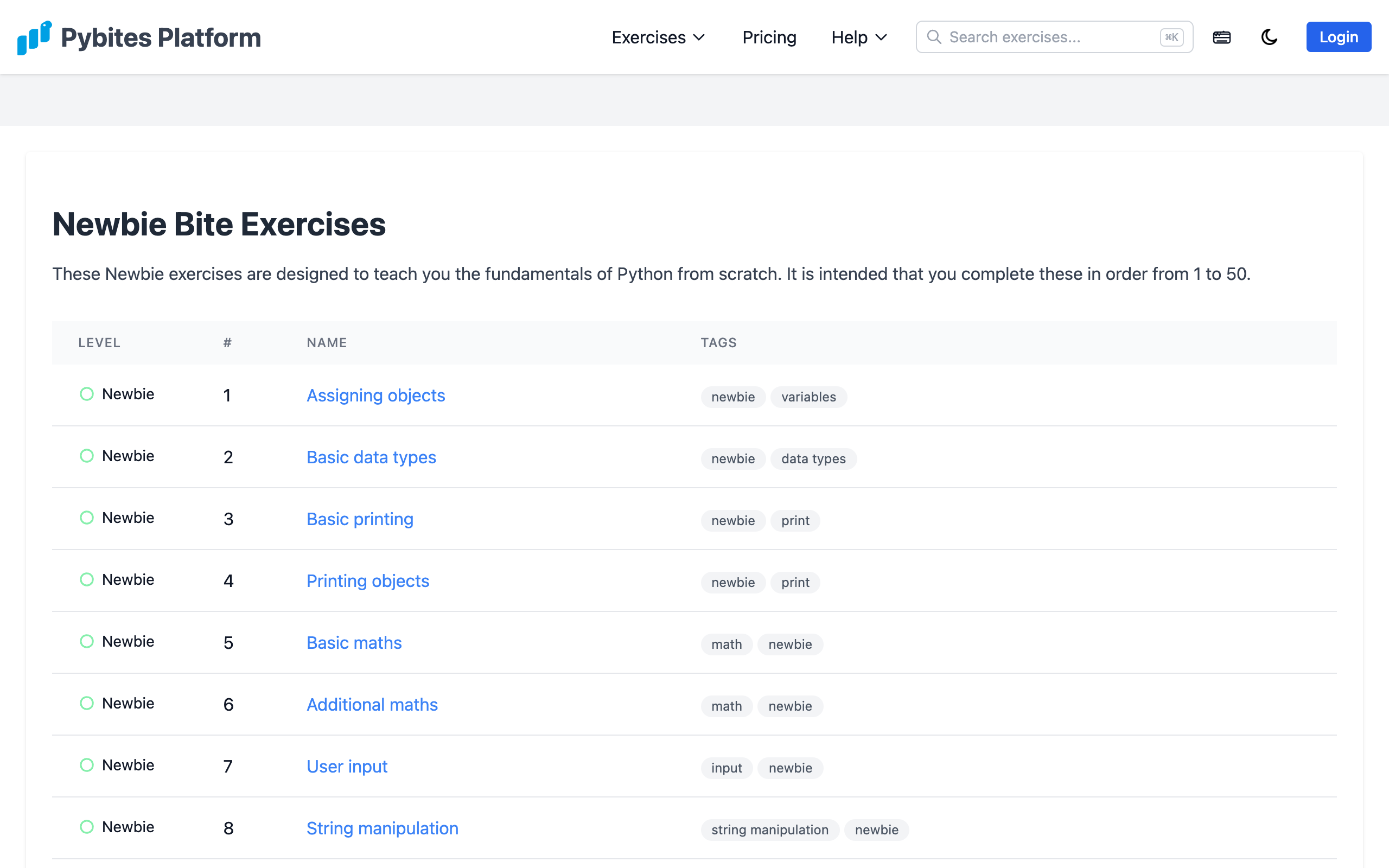
Bites are the core of the Pybites Platform — short, focused Python coding exercises with automated test suites.
Exercise Levels
| Level | Description |
|---|---|
| Newbie | Basic syntax, variables, and simple operations |
| Intro | Fundamental Python concepts and built-in functions |
| Beginner | Common patterns, data structures, and string manipulation |
| Intermediate | Object-oriented programming, decorators, and standard library |
| Advanced | Complex algorithms, design patterns, and real-world challenges |
The Code Editor
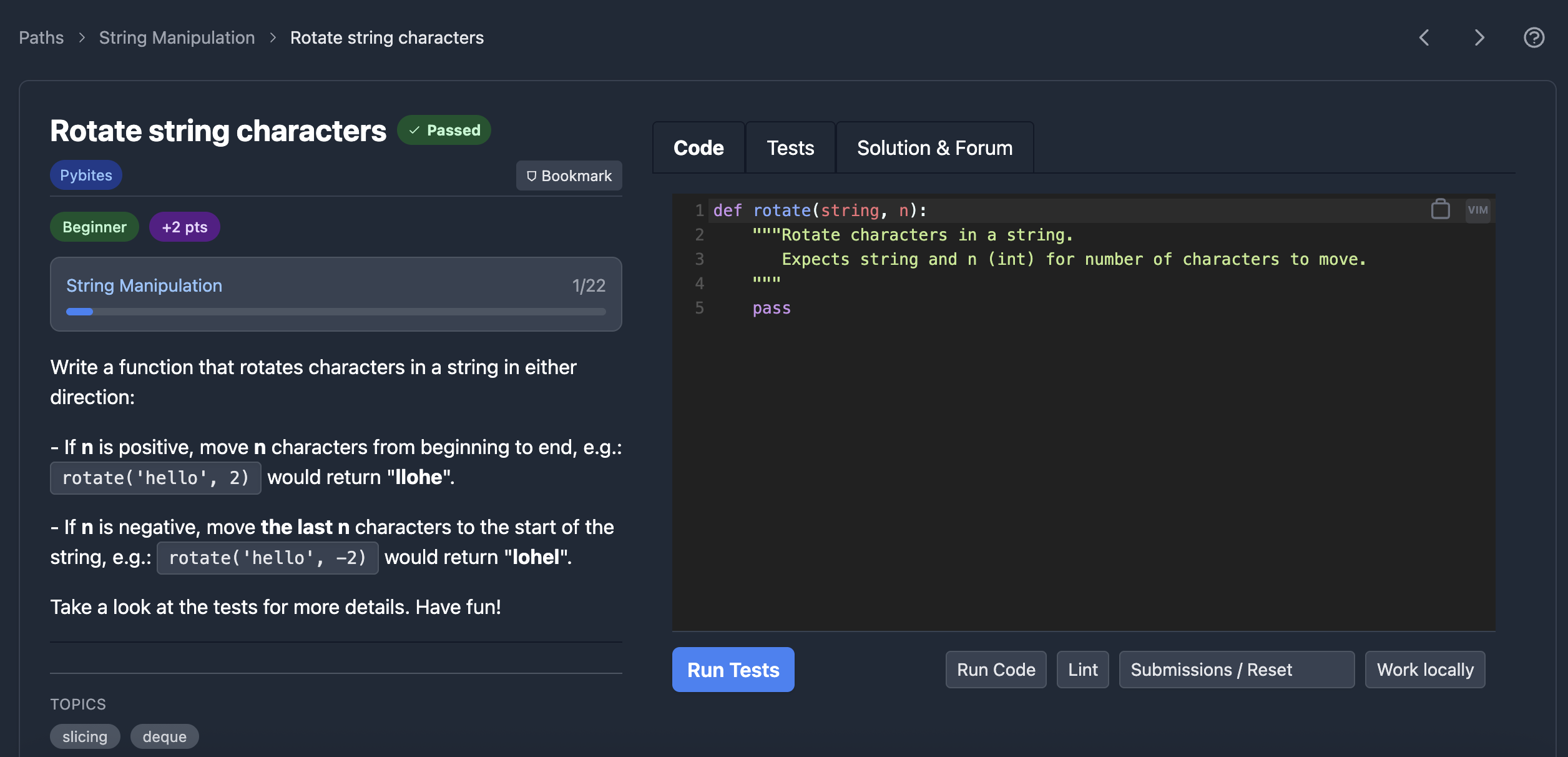
Each Bite opens in a browser-based code editor (CodeMirror) with:
- Syntax highlighting for Python
- Vim mode (toggle using the icon in the top-right of the editor)
- Tab support for multiple files when a Bite has helper modules
- Test output panel showing pass/fail results
Solving a Bite
- Read the exercise description and the function docstring
- Write your solution in the editor
- Click Test (or use
Ctrl+Enter) to run the test suite - If tests fail, review the output and adjust your code
- Once all tests pass, the Bite is completed and your score updates
Free vs Premium Bites
Some Bites are free and accessible to everyone. Premium Bites require an active subscription.
Browsing Bites
Find exercises by:
- Level — filter by difficulty
- Tag — browse by topic (e.g.,
datetime,collections,regex) - Author — see Bites by a specific author
- Search — use the search bar in the navigation to find exercises by keyword