
Quick Start
Get coding in under 5 minutes.
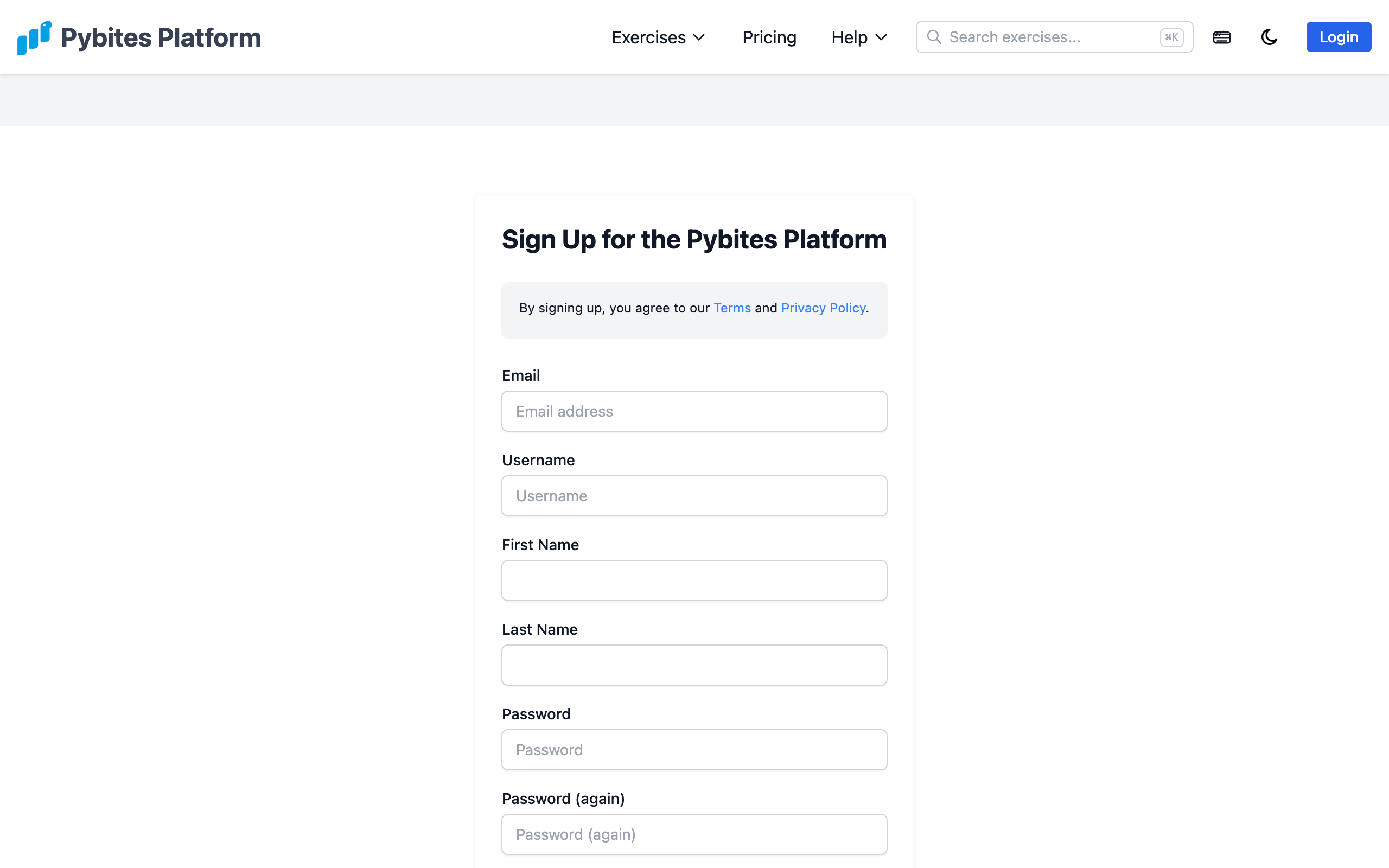
1. Create Your Account
Sign up at pybitesplatform.com/auth/signup/ using your email, Google, or GitHub account. Email signups require verification.
2. Try a Free Bite
Head to the Newbie Bites page and pick any exercise marked as free. You can also try a random demo exercise without an account.
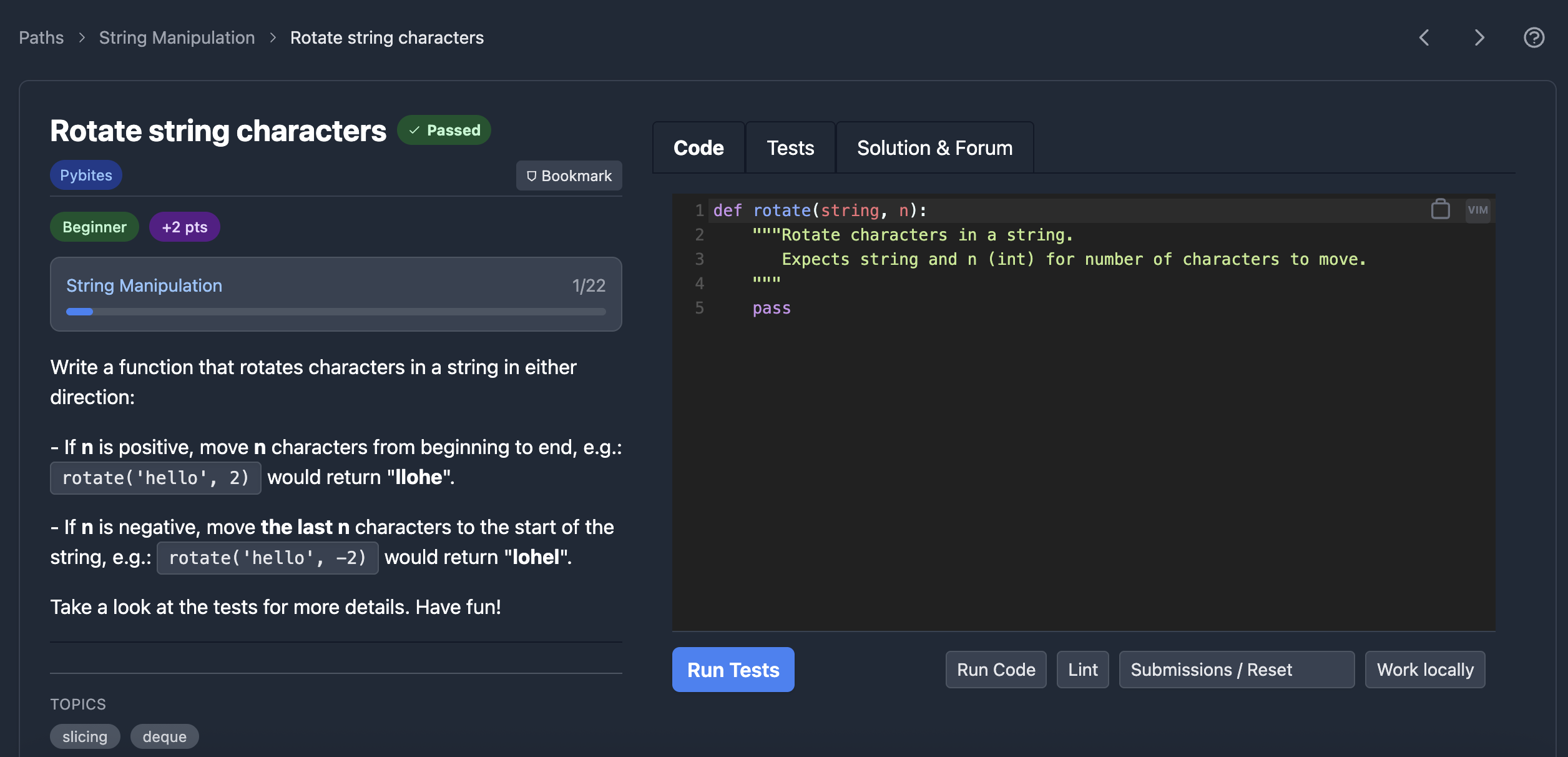
3. Write Your Solution
The code editor loads with a function template. Write your solution, then click Test to run the automated tests.
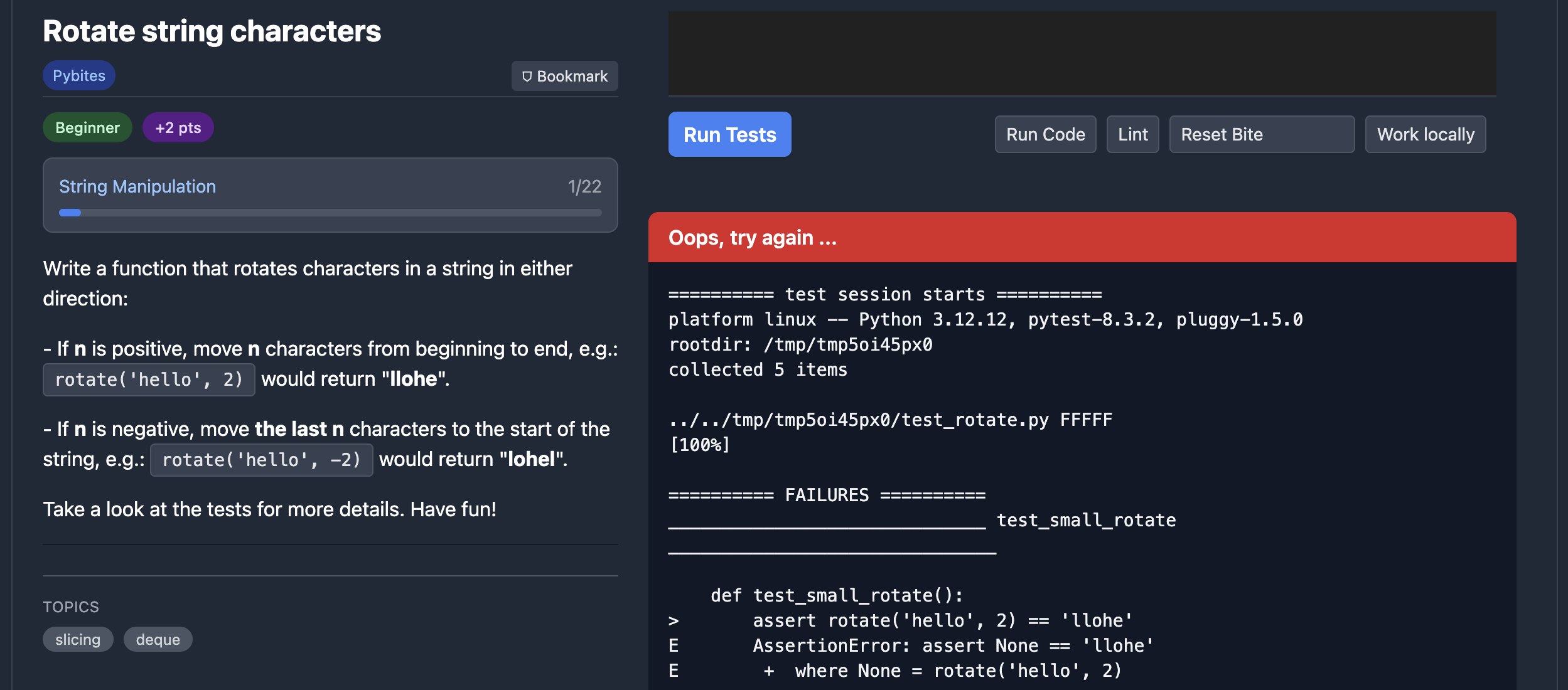
4. Iterate Until Green
If tests fail, read the output, adjust your code, and test again.
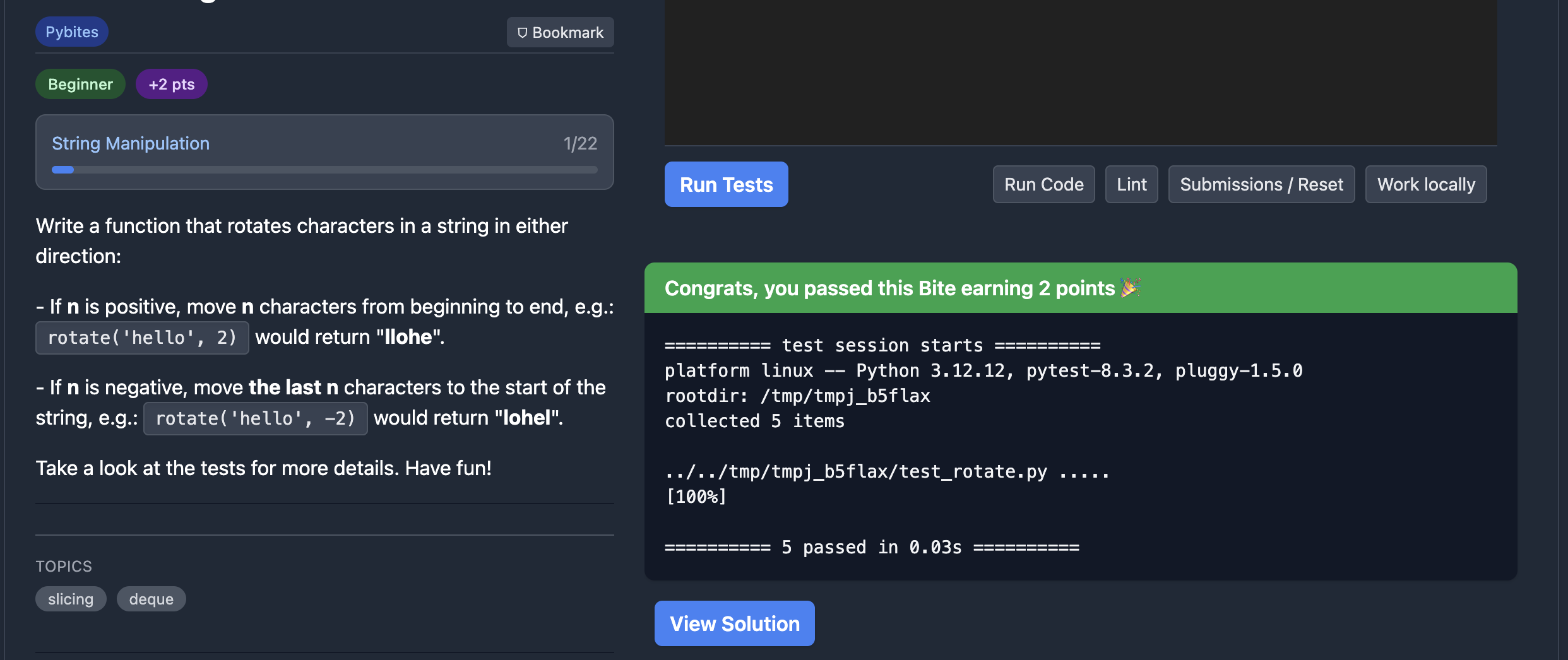
Once all tests pass, the Bite is marked as completed.
5. Track Your Progress
Visit your Profile to see your calendar heatmap, completed Bites, and belt level.
Pro Tip
Use keyboard shortcuts to speed up your workflow. Press Cmd/Ctrl + Shift + K on any page to see available shortcuts.